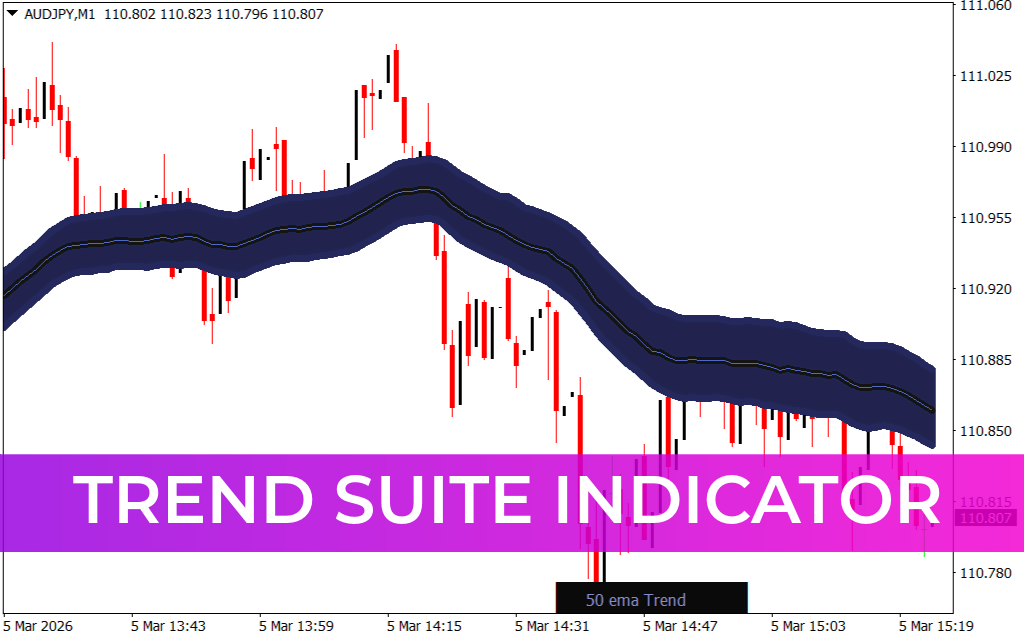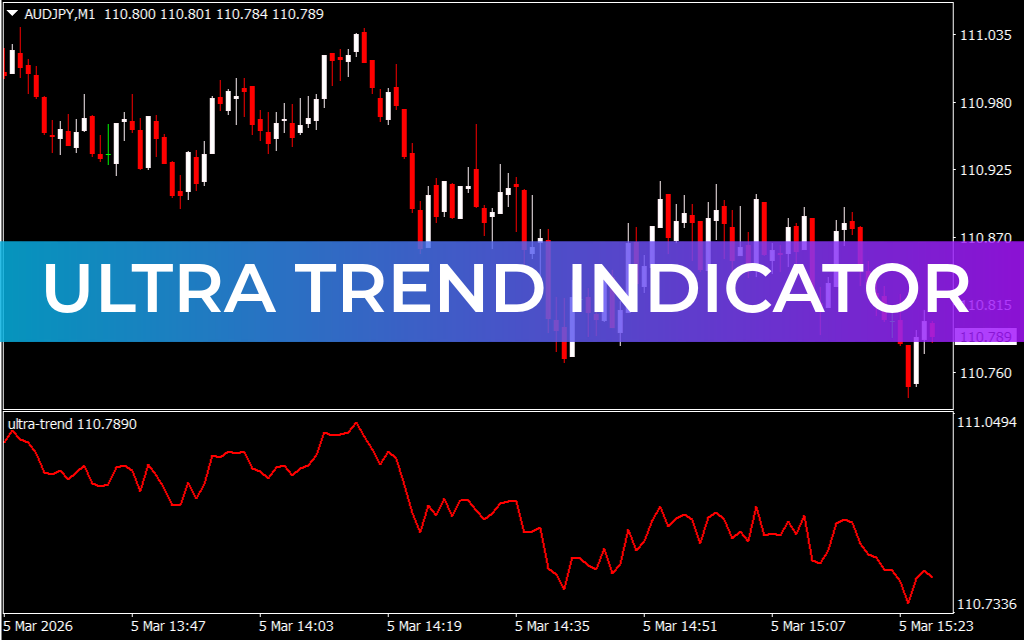
The Ultra Trend Indicator for MetaTrader is a trend-confirmation tool that helps traders determine the underlying trend of a financial asset. Unlike typical buy/sell signal indicators, the Ultra Trend shows the market’s slope, allowing traders to assess bullish or bearish conditions and align their trades accordingly.
Key Features of Ultra Trend Indicator
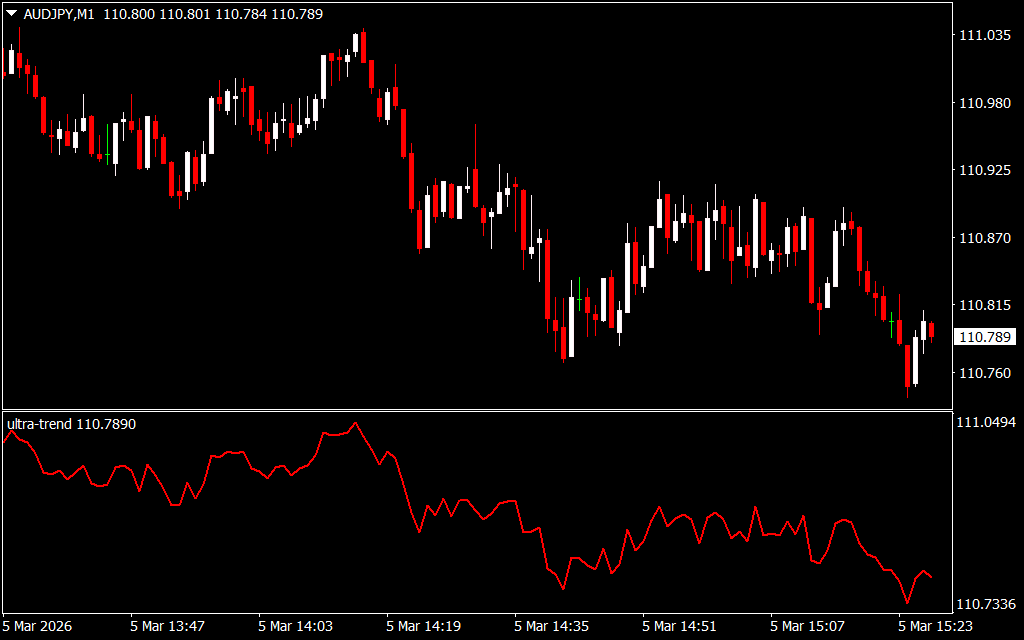
- Trend Direction Visualization – A rising slope signals a strong bullish trend, while a falling slope indicates a strong bearish trend.
- Confluence Tool – Ideal for confirming trends alongside other trading strategies for scalpers, intraday, and swing traders.
- User-Friendly – Suitable for novice, intermediate, and advanced traders to quickly identify market bias.
- Lag-Free Display – Provides a smooth representation of trend without repainting, making it reliable for Trend Confirmation.
How to Use Ultra Trend Indicator
On the EURUSD H4 chart, the indicator’s slope clearly shows trend direction:
- Uptrend Confirmation: A continual slope upward suggests bullish conditions; consider long positions or avoid short trades unless at strong resistance.
- Downtrend Confirmation: A continual slope downward indicates bearish conditions; consider short trades or avoid long positions until support is reached.
- Trading Strategy Integration: Use the Ultra Trend indicator with other technical tools to confirm market bias before opening trades.
By clearly showing trend direction, this indicator helps traders align with prevailing market conditions, reducing the risk of counter-trend entries.
Conclusion
The Ultra Trend Indicator for MT4 is an essential trend-confirmation tool for forex traders. It helps identify bullish and bearish market bias across all timeframes and is free to download, making it a valuable addition to any trader’s toolkit.
FAQ
Published:
Mar 05, 2026 09:28 AM
Category: