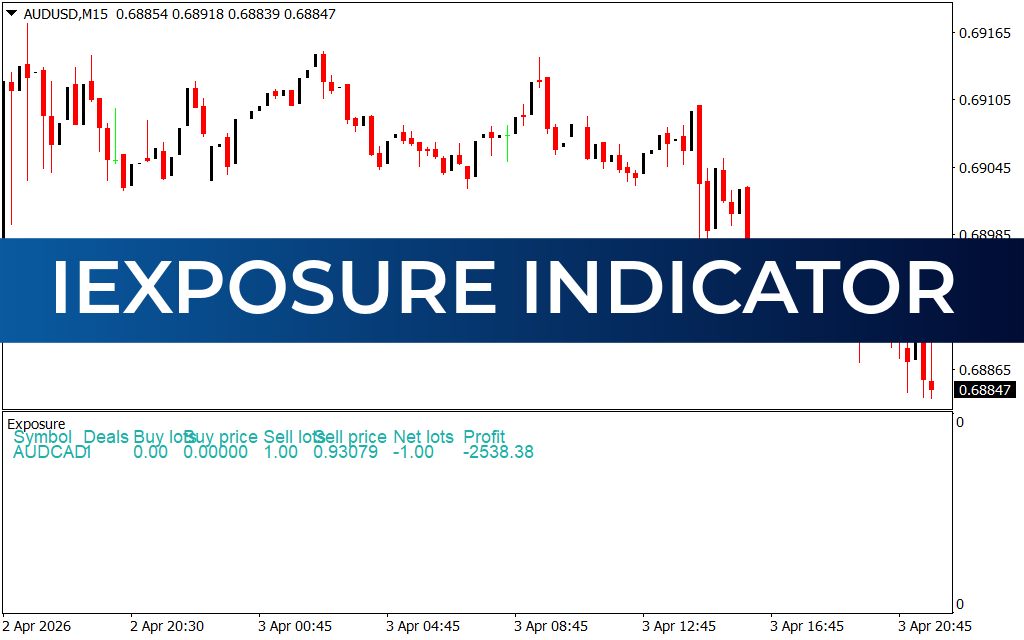
The iExposure Indicator for MT4 is a custom forex tool that displays detailed information about trade exposure directly on your chart. Instead of relying solely on the default MetaTrader “terminal” window, this indicator provides a clear, optimized view of all open positions, making it easier to monitor trades in real time.
How It Works
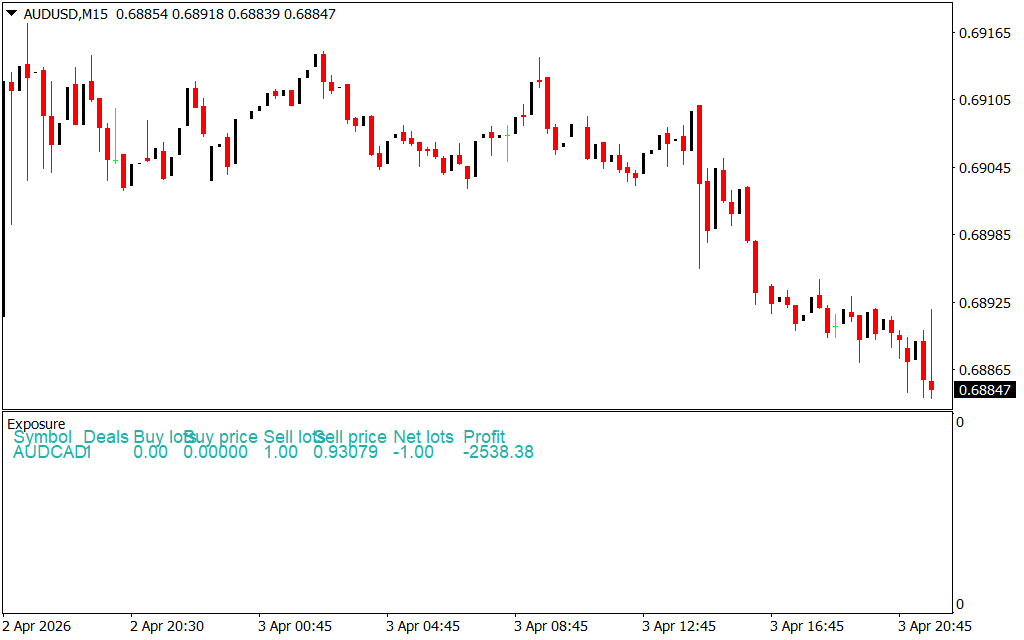
The iExposure Indicator automatically assesses the data from the terminal window and relays it onto your chart. It shows:
- Asset being traded
- Number of running positions
- Type of open orders (buy/sell)
- Lot size
- Entry price
- Floating profit/loss
This ensures that all trade exposure details are always visible without switching between windows.
Key Features
- Real-Time Trade Exposure: Displays open positions directly on the chart.
- Optimized Display: Provides a cleaner, more accessible view compared to the terminal window.
- Multi-Asset Support: Shows exposure for multiple currency pairs simultaneously.
- User-Friendly: Suitable for novice, intermediate, and advanced traders.
Benefits for Traders
- Saves time by keeping trade exposure visible on the chart.
- Helps manage multiple positions more effectively.
- Provides instant feedback on floating profits and losses.
- Enhances trading discipline by keeping exposure data front and center.
Example Use Case
For instance, if you have two open positions on EURAUD and EURCHF, the indicator will display:
- EURAUD: Two buy positions, total lot size of 0.03, with a floating loss of -3.15.
- EURCHF: Details of open positions with corresponding lot sizes and profit/loss.
This makes it easy to track performance without manually checking the terminal.
Conclusion
The iExposure Indicator for MT4 is not a market analysis tool but a practical companion for monitoring trade exposure. By displaying all open position details directly on the chart, it simplifies trade management and improves efficiency. Free to download and easy to install, it’s a valuable addition to any trader’s toolkit.
2 Downloads
Published:
Apr 03, 2026 22:06 PM
Category: